raspberry-pi-inverter-autosetup
Raspberry Pi Inverter Auto-Setup for PI30 / PI18
Auto-setup project for Raspberry Pi inverter monitoring and control with WatchPower-like and SolarPower-like workflows.
This project helps set up PI30 / WR1 and PI18 / WR2 inverter environments on Raspberry Pi with MQTT, systemd, and either a built-in UI or an external UI.
Features
- Supports PI30 / WR1
- Supports PI18 / WR2
- MQTT integration
- Generates systemd service files
- Supports built-in UI
- Supports external UI
- Creates installer configuration and activation commands
- Uses device-based service names
- Consistent
latest_jsonhandling from installer to builder services
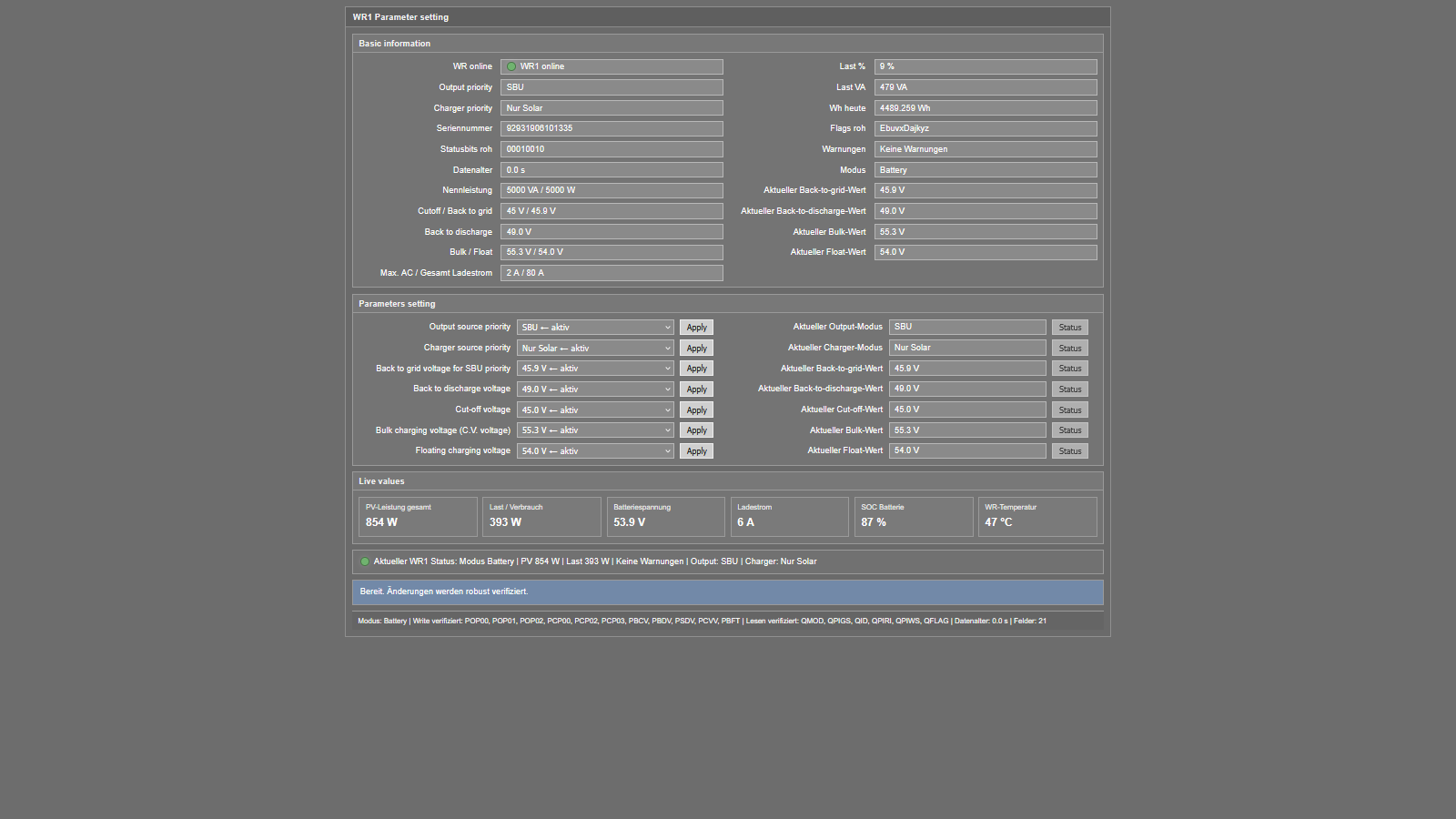
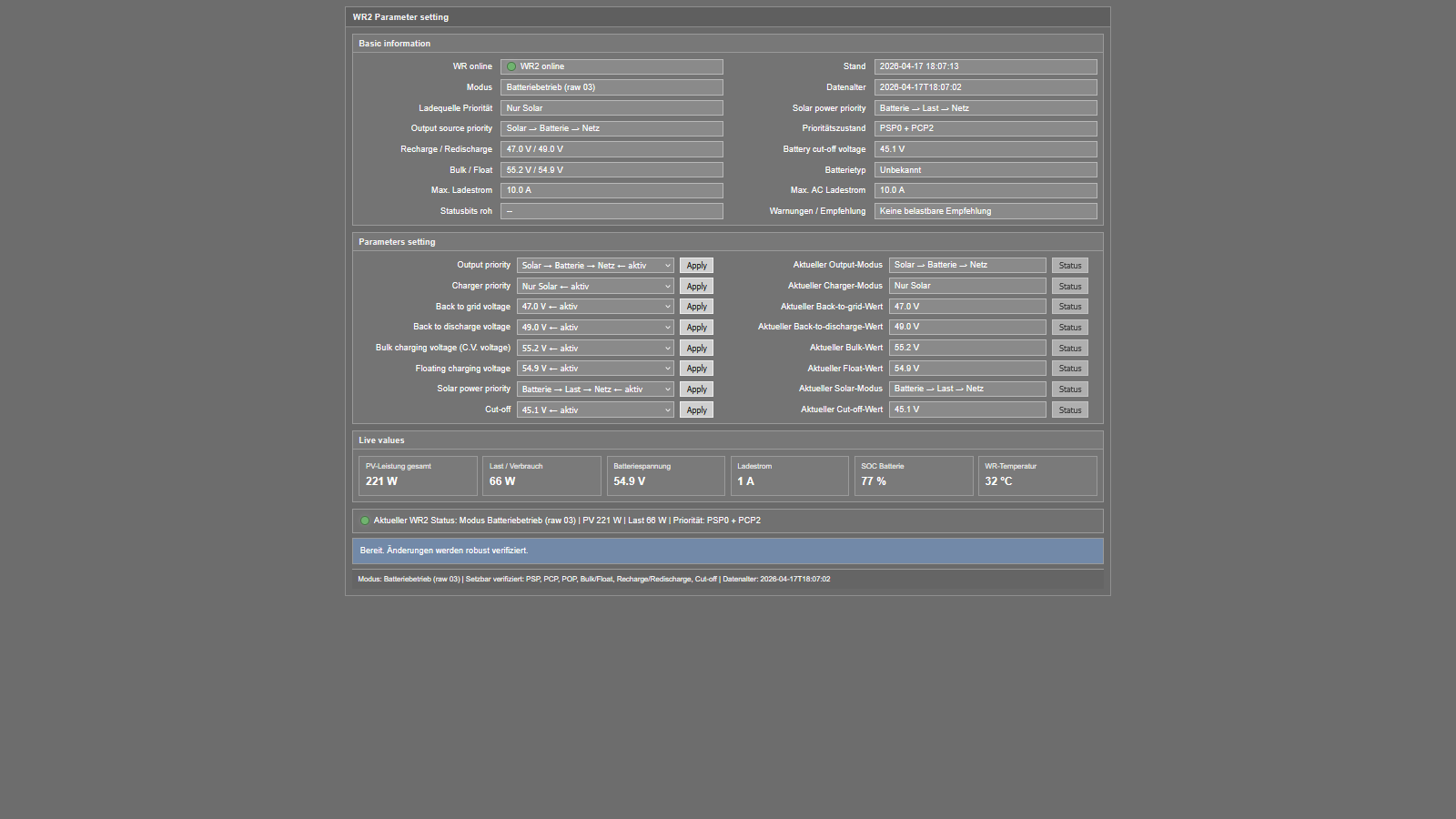
UI Preview
WR1 / PI30 UI
WR2 / PI18 UI
Project Structure
- PI30 / WR1 →
watchpower-like - PI18 / WR2 →
solarpower-like
Quick Start
PI30 / WR1
python3 setup_pi30.py
PI18 / WR2
python3 setup_pi18.py
Installer Flow
The installers ask for:
- device / USB port
- device name
- MQTT on/off
- MQTT host / port / username / password
- poll interval
- UI target directory
- UI mode
- built-in
- external
- UI port for built-in mode
Current Status
Verified in isolated test runs:
- built-in mode for PI30 and PI18
- external mode for PI30 and PI18
- service slug generation from device name
- reader / builder / timer service generation
- UI service only for built-in mode
- installer command script generation without automatic execution
- consistent
latest_jsonhandling from installer to builder services
latest_json Handling
The current project logic uses device-based latest JSON files:
- readers write to
/home/pi/wr-logs/<device_name>_latest.json - builders receive that path through
Environment=LATEST_JSON=... - state builders keep a fallback to
WR1_latest.jsonandWR2_latest.json
Why this project
This repository is useful if you are searching for:
- WatchPower Raspberry Pi
- SolarPower Raspberry Pi
- PI30 MQTT Raspberry Pi
- PI18 inverter Raspberry Pi
- Raspberry Pi inverter auto-setup
- systemd inverter monitoring
Repository
Source code and installer files are available in this GitHub repository.